This is not the latest version → View latest version
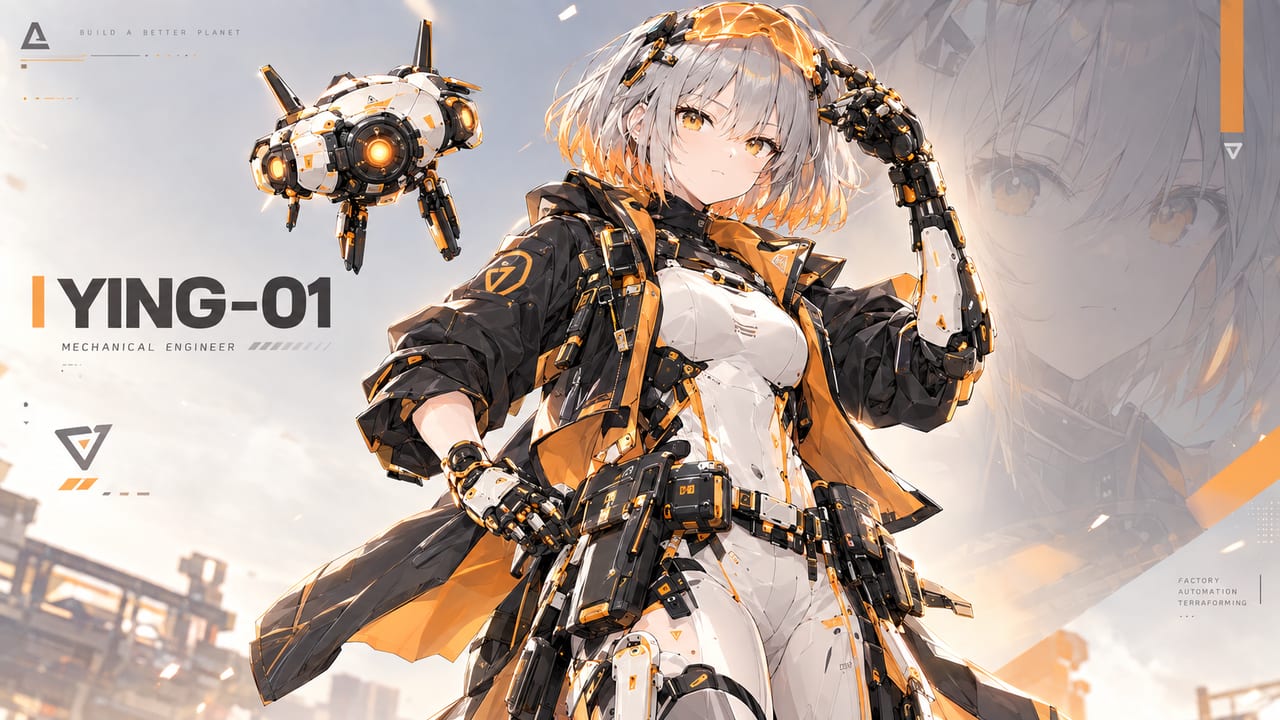
Faketorio 试玩预览版
#game#factory#windows#preview自动化工厂 + 无人机的可玩预览版,支持中文 / English / Español,Windows 解压即玩。
v0.1.8-preview Preview
2026-10-23 ZIP · 106MB
SHA-256 checksum
b3c0ff19ed0071f2da8890ad0cbc3bbaa951c9199c1fd496e5b832de4a426a4e Changes in this version · v0.1.8-preview
+Added9
- Save manager: name your saves, rename, delete and overwrite them. The load screen lists every save with a thumbnail, play time and a compatibility label
- Saves survive updates: new content no longer breaks old saves. If an update removes a building, item, recipe or tech, the game lists what will be removed before loading, and the original file is never changed
- Saves that can't be read say which game version opens them
- Three rotating autosave slots
- Recipe tracing in the hand-craft panel: select a recipe to see its ingredients, where each one comes from (hand craft, machine or mining) and what it is used for. Click through the chain step by step and go back
- Middle-click any item (backpack, machine slots, tech cards) to trace it in the hand-craft panel
- Machine-only recipes now appear in the hand-craft grid with a red tint. Locked recipes show which research unlocks them, with a link to the tech
- New art for all four inserter types, and a new drone relay with a pulsing glow
- Drone coverage is drawn as one merged zone across all platforms and relays, with links between connected nodes
✓Fixed1
- Tech tree cards no longer stop panning after some panels are drawn
↻Changed2
- Left-click on a hand-craft recipe now selects it; Ctrl/Shift-click or right-click still crafts
- Saves from v0.1.7 and earlier (
save.dat/autosave.dat) can't be loaded by this version. They still open in v0.1.7
!Known issues1
- Save thumbnails include the HUD
Version history
▸ v0.1.9-preview Preview 2026-10-25 · 124MB
+Added5
- We need your votes! The Gallery (main menu) has a new Music tab. Listen to the soundtrack the game uses and to the candidate tracks that didn't make it, mark the ones you like in each group, and see what share of players agree. Voting is anonymous, you can like several tracks per group, and you can change your mind any time
- Sound: interface clicks and hovers, placing and demolishing buildings, a refusal sound, machine loops that get thicker as the factory grows, drone and relay loops, ambience, and a low alarm when the power grid fails
- Music: seven tracks — a main-menu theme and six in-game pieces. One plays, then the world goes quiet for 2–5 minutes before the next, like Factorio
- Audio settings: separate Master, Music, Effects, Interface and Ambience sliders, mute when the window is unfocused, and a preview you can hear while the game is paused
- Gallery: character design sheets (Ying, Ju, Yao) and building design sheets, viewable full screen with zoom and pan. An Artwork tab is reserved and marked *Coming soon*
✓Fixed1
- The Settings audio preview is audible while paused, and the menu music fades back in after it instead of staying quiet
↻Changed2
- The main menu's The Team button is now Gallery
- Machine sound is mixed by distance and zoom: louder up close, calmer zoomed out
!Known issues3
- The Gallery needs an internet connection. Offline it shows a retry screen and the rest of the game works as usual
- Music is still early: I write the melodies and let AI help with the arrangement. That is exactly what the vote is for
- Like percentages are whole numbers and only appear in groups you have already voted in
▸ v0.1.7-preview Preview 2026-10-21 · 105MB
+Added5
- New belt art: tier-1 belts use a roller surface that scrolls with the belt speed (and stops when the game is paused); the rails glow orange / green / blue by tier
- Belt lines now have start and end caps, and corners curve smoothly in every direction
- Underground belts are now a gantry with a slatted curtain: arrows on the curtain tell the entrance from the exit, and the signal lights breathe
- Splitters are now a turntable sitting across the two parallel belts; the disc spins while the splitter runs
- Placement ghosts and the belt / underground / splitter item icons use the new art
↻Changed2
- Fast-belt tier colour is now green (was red), matching the tier colours used on buildings
- New oil refinery sprite
!Known issues3
- Express-belt blue glow is faint when zoomed far out
- Pasted blueprints show belt corners as straight pieces until the belts are built
- The belt surface under a splitter does not scroll
Only the latest 3 versions are kept